


Page 267 - Scratch Programming Playground
P. 267
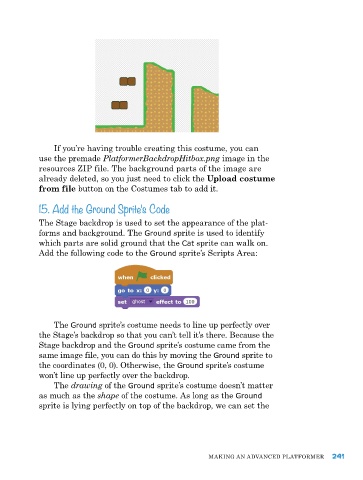
If you’re having trouble creating this costume, you can
            use the premade PlatformerBackdropHitbox.png image in the
            resources ZIp file. the background parts of the image are
            already deleted, so you just need to click the Upload costume
            from file button on the Costumes tab to add it.

            15. Add the Ground Sprite’s Code

            the Stage backdrop is used to set the appearance of the plat-
            forms and background. the Ground sprite is used to identify
            which parts are solid ground that the Cat sprite can walk on.
            add the following code to the Ground sprite’s Scripts area:


                the Ground sprite’s costume needs to line up perfectly over
            the Stage’s backdrop so that you can’t tell it’s there. Because the
            Stage backdrop and the Ground sprite’s costume came from the
            same image file, you can do this by moving the Ground sprite to
            the coordinates (0, 0). otherwise, the Ground sprite’s costume
            won’t line up perfectly over the backdrop.
                the drawing of the Ground sprite’s costume doesn’t matter
            as much as the shape of the costume. as long as the Ground
            sprite is lying perfectly on top of the backdrop, we can set the


                                                           MakING aN advaNCed pLatforMer     241

