


Page 161 - Programming With Python 3
P. 161
An Introduction to STEM Programming with Python — 2019-09-03a                              Page 148
            Chapter 13 — Persistent Data

            Using dbm

             Free
            This sample program uses a dbm object to store a value that the user enters. When the user runs the
            program again they can either change the value, or retrieve the old value. This program demonstrates
            that if a Unicode character outside the range of 0-127 is entered, the result will be returned as a
            collection of bytes. Like in file-system IO, it is strongly suggested that you use the with statement to
            manage the context of the module.
             eBook

            To use the dbm module, you first must import dbm into your program. This will load the best library
            for key value storage you have available to you.


            Now all you need to do is "open it".  The open method dbm.open() usually requires two values, file
            name and mode. The file name may be a simple name or the path to a file and does not need to include
             Edition
            a file extension. The mode may be: 'r' -read only, 'w' -reading and writing, 'c' — create a new
            database if it does not exist for reading and writing, and 'n' — always create a new database. The 'r'
            mode is default (if you do not specify a mode).


            If you are using the dbm module in a with context manager, it will be closed for you automatically
            when you leave the suite of code. If you are accessing dbm outside a context manager, you will need to
            Please support this work at
            close your dbm object using the .close() method.


             dbm                                                                                      Module
                                  http://syw2l.org
             The dbm module will create a persistent key-value storage of byte arrays for your
             program to use
                                                                               Free
             REF


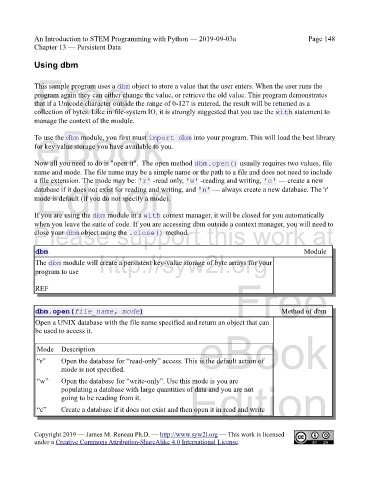
             dbm.open(file_name, mode)                                                        Method of dbm

             Open a UNIX database with the file name specified and return an object that can
             be used to access it.


             Mode    Description                                   eBook

             “r”     Open the database for “read-only” access. This is the default action of
                     mode is not specified.

             “w”     Open the database for “write-only”. Use this mode is you are
                     populating a database with large quantities of data and you are not
                     going to be reading from it.               Edition

             “c”     Create a database if it does not exist and then open it in read and write


            Copyright 2019 — James M. Reneau Ph.D. — http://www.syw2l.org — This work is licensed
            under a Creative Commons Attribution-ShareAlike 4.0 International License.

