


Page 70 - Chapra y Canale. Metodos Numericos para Ingenieros 5edición_Neat
P. 70
46                      PROGRAMACIÓN Y SOFTWARE

                                      especificados como start, finish, step. Para MATLAB, los parámetros están
                                      ordenados como start:step:finish.
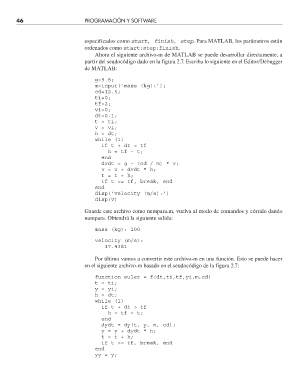
                                         Ahora el siguiente archivo-m de MATLAB se puede desarrollar directamente, a
                                      partir del seudocódigo dado en la figura 2.7. Escriba lo siguiente en el Editor/Debugger
                                      de MATLAB:

                                         g=9.8;
                                         m=input(‘mass (kg):’);
                                         cd=12.5;
                                         ti=0;
                                         tf=2;
                                         vi=0;
                                         dt=0.1;
                                         t = ti;
                                         v = vi;
                                         h = dt;
                                         while (1)
                                           if t + dt > tf
                                             h = tf – t;
                                           end
                                           dvdt = g – (cd / m) * v;
                                           v = v + dvdt * h;
                                           t = t + h;
                                           if t >= tf, break, end
                                         end
                                         disp(‘velocity (m/s):’)
                                         disp(v)
                                      Guarde este archivo como numpara.m, vuelva al modo de comandos y córralo dando
                                      numpara. Obtendrá la siguiente salida:

                                         masa (kg): 100
                                         velocity (m/s):
                                            17.4381

                                         Por último vamos a convertir este archivo-m en una función. Esto se puede hacer
                                      en el siguiente archivo-m basado en el seudocódigo de la figura 2.7:

                                         function euler = f(dt,ti,tf,yi,m,cd)
                                         t = ti;
                                         y = yi;
                                         h = dt;
                                         while (1)
                                           if t + dt > tf
                                             h = tf – t;
                                           end
                                           dydt = dy(t, y, m, cd);
                                           y = y + dydt * h;
                                           t = t + h;
                                           if t >= tf, break, end
                                         end
                                         yy = y;


                                                                                                         6/12/06   13:43:45
          Chapra-02.indd   46                                                                            6/12/06   13:43:45
          Chapra-02.indd   46

