


Page 132 - Windows 10 May 2019 Update The Missing Manual: The Book That Should Have Been in the Box
P. 132
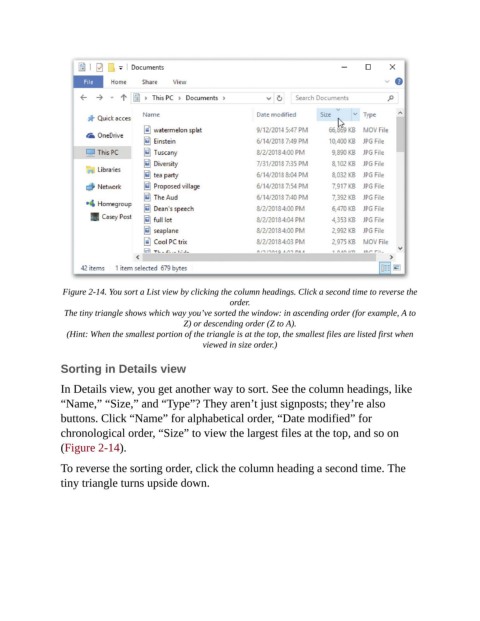
Figure 2-14. You sort a List view by clicking the column headings. Click a second time to reverse the
                                                            order.

                 The tiny triangle shows which way you’ve sorted the window: in ascending order (for example, A to
                                                Z) or descending order (Z to A).

                  (Hint: When the smallest portion of the triangle is at the top, the smallest files are listed first when
                                                     viewed in size order.)


                Sorting in Details view

                In Details view, you get another way to sort. See the column headings, like
                “Name,” “Size,” and “Type”? They aren’t just signposts; they’re also

                buttons. Click “Name” for alphabetical order, “Date modified” for
                chronological order, “Size” to view the largest files at the top, and so on
                (Figure 2-14).


                To reverse the sorting order, click the column heading a second time. The
                tiny triangle turns upside down.

