


Page 154 - Windows 10 May 2019 Update The Missing Manual: The Book That Should Have Been in the Box
P. 154
down) and, from the shortcut menu, choose “Remove from this

                           list.”

                           Clear a jump list completely. At other times, you may want to
                           wipe out all your jump lists—and all your tracks. To do that, turn

                           jump lists off (as described above) and back on again. You’ve just
                           erased all the existing jump lists. Your jump lists are now ready to
                           start memorizing new items.


                The System Tray (Notification Area)


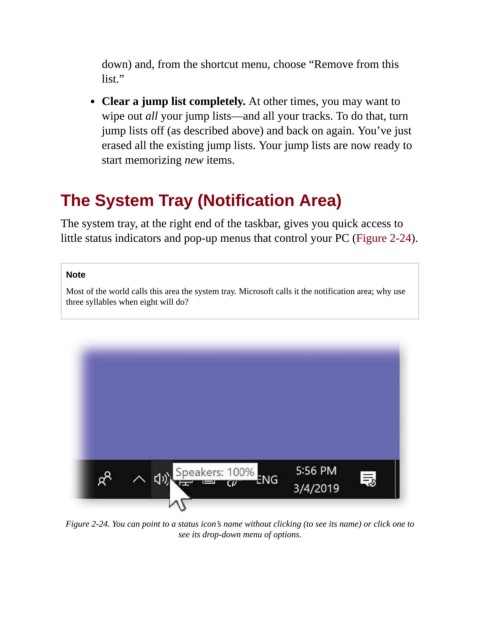
                The system tray, at the right end of the taskbar, gives you quick access to

                little status indicators and pop-up menus that control your PC (Figure 2-24).


                  Note

                  Most of the world calls this area the system tray. Microsoft calls it the notification area; why use
                  three syllables when eight will do?


                  Figure 2-24. You can point to a status icon’s name without clicking (to see its name) or click one to
                                              see its drop-down menu of options.

