


Page 362 - Windows 10 May 2019 Update The Missing Manual: The Book That Should Have Been in the Box
P. 362
Task View is the gateway into the joys of Windows 10’s new virtual screens

                feature, too (“Life with Multiple Screens”).


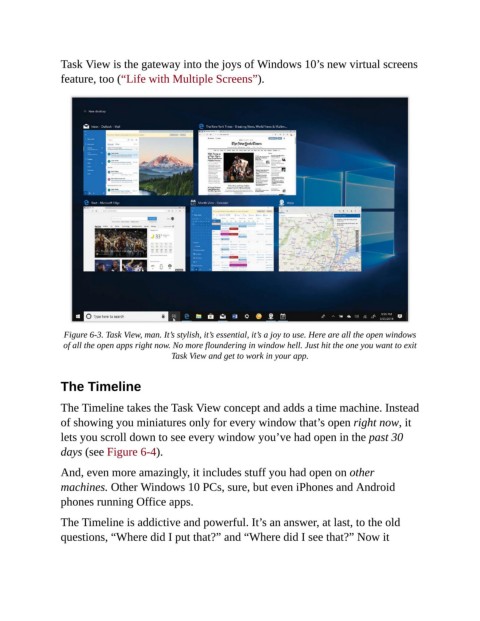
                 Figure 6-3. Task View, man. It’s stylish, it’s essential, it’s a joy to use. Here are all the open windows
                 of all the open apps right now. No more floundering in window hell. Just hit the one you want to exit
                                             Task View and get to work in your app.


                The Timeline


                The Timeline takes the Task View concept and adds a time machine. Instead
                of showing you miniatures only for every window that’s open right now, it

                lets you scroll down to see every window you’ve had open in the past 30
                days (see Figure 6-4).

                And, even more amazingly, it includes stuff you had open on other

                machines. Other Windows 10 PCs, sure, but even iPhones and Android
                phones running Office apps.

                The Timeline is addictive and powerful. It’s an answer, at last, to the old

                questions, “Where did I put that?” and “Where did I see that?” Now it

