


Page 364 - Windows 10 May 2019 Update The Missing Manual: The Book That Should Have Been in the Box
P. 364
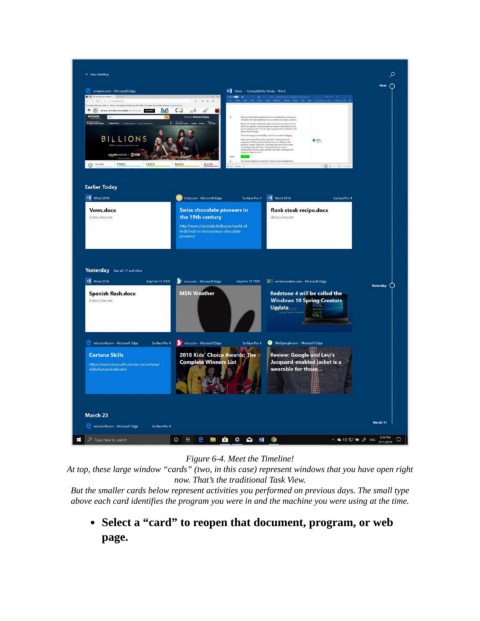
Figure 6-4. Meet the Timeline!

                  At top, these large window “cards” (two, in this case) represent windows that you have open right
                                             now. That’s the traditional Task View.

                   But the smaller cards below represent activities you performed on previous days. The small type
                   above each card identifies the program you were in and the machine you were using at the time.

                           Select a “card” to reopen that document, program, or web

                           page.

