


Page 53 - Windows 10 May 2019 Update The Missing Manual: The Book That Should Have Been in the Box
P. 53
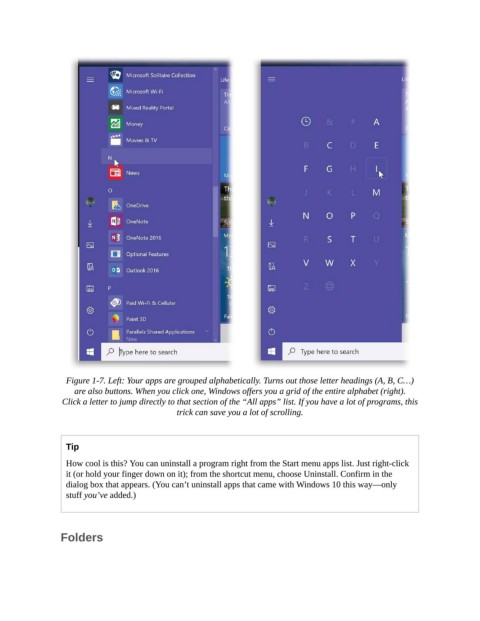
Figure 1-7. Left: Your apps are grouped alphabetically. Turns out those letter headings (A, B, C…)
                    are also buttons. When you click one, Windows offers you a grid of the entire alphabet (right).

                 Click a letter to jump directly to that section of the “All apps” list. If you have a lot of programs, this
                                              trick can save you a lot of scrolling.


                  Tip

                  How cool is this? You can uninstall a program right from the Start menu apps list. Just right-click
                  it (or hold your finger down on it); from the shortcut menu, choose Uninstall. Confirm in the
                  dialog box that appears. (You can’t uninstall apps that came with Windows 10 this way—only
                  stuff you’ve added.)


                Folders

