


Page 587 - Windows 10 May 2019 Update The Missing Manual: The Book That Should Have Been in the Box
P. 587
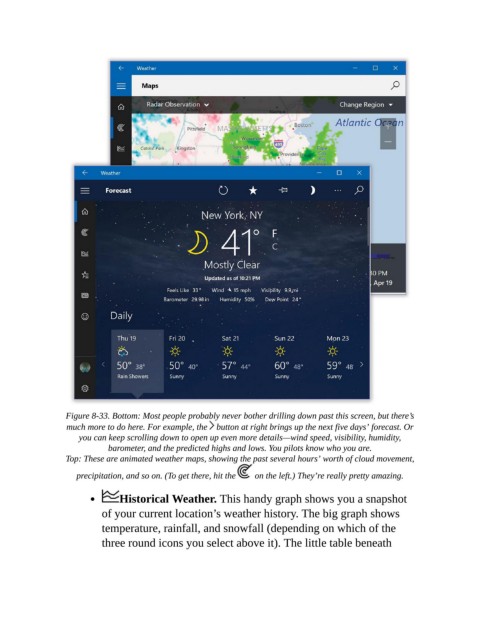
Figure 8-33. Bottom: Most people probably never bother drilling down past this screen, but there’s
                  much more to do here. For example, the   button at right brings up the next five days’ forecast. Or
                     you can keep scrolling down to open up even more details—wind speed, visibility, humidity,
                             barometer, and the predicted highs and lows. You pilots know who you are.

                  Top: These are animated weather maps, showing the past several hours’ worth of cloud movement,
                    precipitation, and so on. (To get there, hit the    on the left.) They’re really pretty amazing.

                               Historical Weather. This handy graph shows you a snapshot

                           of your current location’s weather history. The big graph shows
                           temperature, rainfall, and snowfall (depending on which of the

                           three round icons you select above it). The little table beneath

