


Page 628 - Windows 10 May 2019 Update The Missing Manual: The Book That Should Have Been in the Box
P. 628
UP TO SPEED HOW SCROLL BARS WORK

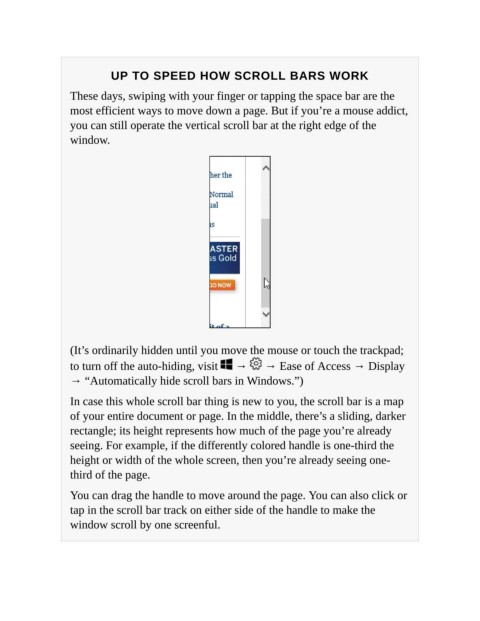
                   These days, swiping with your finger or tapping the space bar are the
                   most efficient ways to move down a page. But if you’re a mouse addict,

                   you can still operate the vertical scroll bar at the right edge of the
                   window.


                   (It’s ordinarily hidden until you move the mouse or touch the trackpad;
                   to turn off the auto-hiding, visit   →   → Ease of Access → Display

                   → “Automatically hide scroll bars in Windows.”)

                   In case this whole scroll bar thing is new to you, the scroll bar is a map
                   of your entire document or page. In the middle, there’s a sliding, darker

                   rectangle; its height represents how much of the page you’re already
                   seeing. For example, if the differently colored handle is one-third the
                   height or width of the whole screen, then you’re already seeing one-

                   third of the page.

                   You can drag the handle to move around the page. You can also click or
                   tap in the scroll bar track on either side of the handle to make the

                   window scroll by one screenful.

