


Page 631 - Windows 10 May 2019 Update The Missing Manual: The Book That Should Have Been in the Box
P. 631
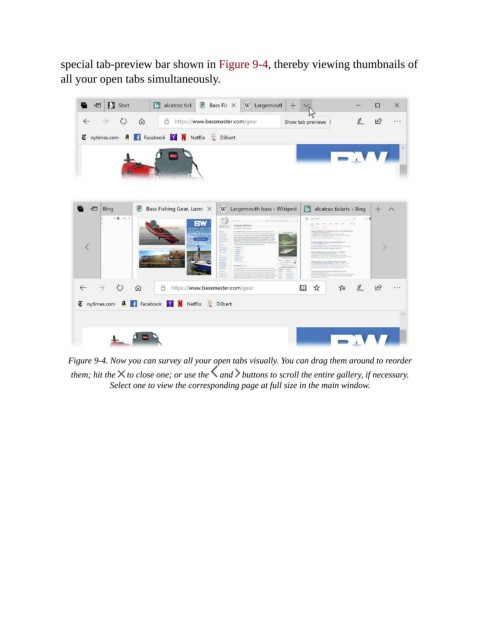
special tab-preview bar shown in Figure 9-4, thereby viewing thumbnails of

                all your open tabs simultaneously.


                  Figure 9-4. Now you can survey all your open tabs visually. You can drag them around to reorder
                   them; hit the   to close one; or use the   and   buttons to scroll the entire gallery, if necessary.
                             Select one to view the corresponding page at full size in the main window.

