


Page 746 - Windows 10 May 2019 Update The Missing Manual: The Book That Should Have Been in the Box
P. 746
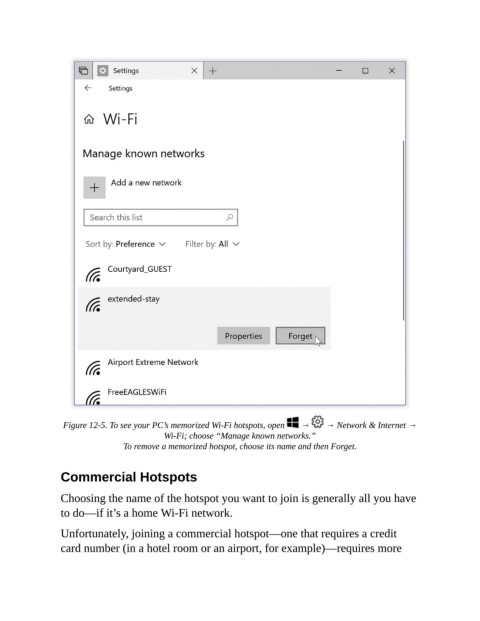
Figure 12-5. To see your PC’s memorized Wi-Fi hotspots, open    →    → Network & Internet →
                                           Wi-Fi; choose “Manage known networks.”

                                To remove a memorized hotspot, choose its name and then Forget.


                Commercial Hotspots

                Choosing the name of the hotspot you want to join is generally all you have

                to do—if it’s a home Wi-Fi network.

                Unfortunately, joining a commercial hotspot—one that requires a credit
                card number (in a hotel room or an airport, for example)—requires more

