


Page 748 - Windows 10 May 2019 Update The Missing Manual: The Book That Should Have Been in the Box
P. 748
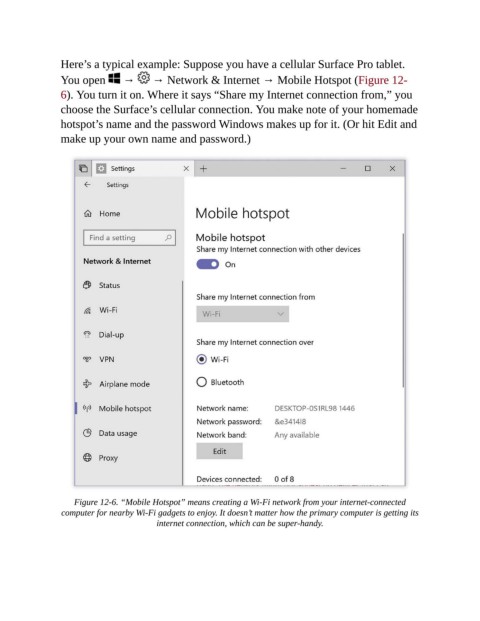
Here’s a typical example: Suppose you have a cellular Surface Pro tablet.

                You open   →            → Network & Internet → Mobile Hotspot (Figure 12-
                6). You turn it on. Where it says “Share my Internet connection from,” you
                choose the Surface’s cellular connection. You make note of your homemade

                hotspot’s name and the password Windows makes up for it. (Or hit Edit and
                make up your own name and password.)


                    Figure 12-6. “Mobile Hotspot” means creating a Wi-Fi network from your internet-connected
                 computer for nearby Wi-Fi gadgets to enjoy. It doesn’t matter how the primary computer is getting its
                                         internet connection, which can be super-handy.

