


Page 910 - Windows 10 May 2019 Update The Missing Manual: The Book That Should Have Been in the Box
P. 910
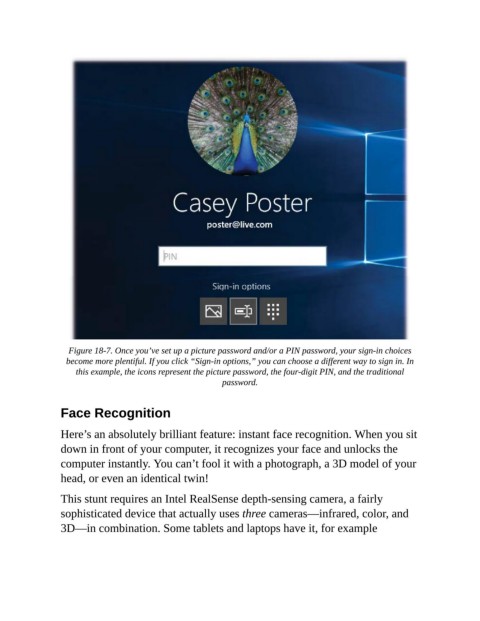
Figure 18-7. Once you’ve set up a picture password and/or a PIN password, your sign-in choices
                  become more plentiful. If you click “Sign-in options,” you can choose a different way to sign in. In
                    this example, the icons represent the picture password, the four-digit PIN, and the traditional
                                                          password.


                Face Recognition

                Here’s an absolutely brilliant feature: instant face recognition. When you sit
                down in front of your computer, it recognizes your face and unlocks the

                computer instantly. You can’t fool it with a photograph, a 3D model of your
                head, or even an identical twin!

                This stunt requires an Intel RealSense depth-sensing camera, a fairly

                sophisticated device that actually uses three cameras—infrared, color, and
                3D—in combination. Some tablets and laptops have it, for example

