


Page 992 - Windows 10 May 2019 Update The Missing Manual: The Book That Should Have Been in the Box
P. 992
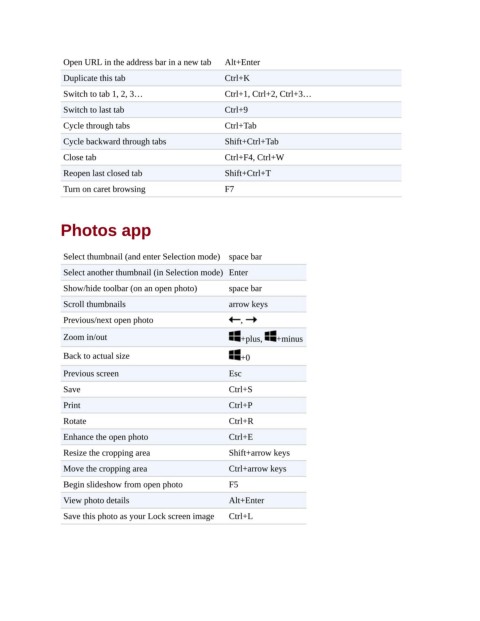
Open URL in the address bar in a new tab  Alt+Enter

                 Duplicate this tab                       Ctrl+K
                 Switch to tab 1, 2, 3…                   Ctrl+1, Ctrl+2, Ctrl+3…

                 Switch to last tab                       Ctrl+9
                 Cycle through tabs                       Ctrl+Tab

                 Cycle backward through tabs              Shift+Ctrl+Tab
                 Close tab                                Ctrl+F4, Ctrl+W

                 Reopen last closed tab                   Shift+Ctrl+T
                 Turn on caret browsing                   F7


                Photos app


                 Select thumbnail (and enter Selection mode) space bar

                 Select another thumbnail (in Selection mode) Enter
                 Show/hide toolbar (on an open photo)      space bar

                 Scroll thumbnails                         arrow keys
                 Previous/next open photo                     ,

                 Zoom in/out                                  +plus,    +minus

                 Back to actual size                          +0

                 Previous screen                           Esc
                 Save                                      Ctrl+S

                 Print                                     Ctrl+P
                 Rotate                                    Ctrl+R

                 Enhance the open photo                    Ctrl+E
                 Resize the cropping area                  Shift+arrow keys

                 Move the cropping area                    Ctrl+arrow keys
                 Begin slideshow from open photo           F5

                 View photo details                        Alt+Enter

                 Save this photo as your Lock screen image  Ctrl+L

