


Page 993 - Windows 10 May 2019 Update The Missing Manual: The Book That Should Have Been in the Box
P. 993
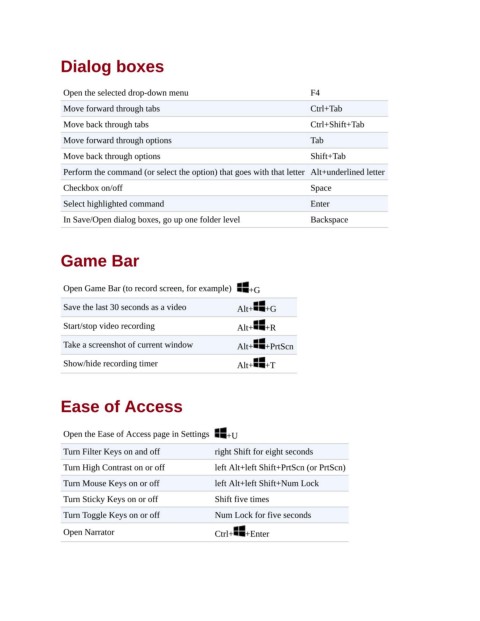
Dialog boxes


                 Open the selected drop-down menu                               F4
                 Move forward through tabs                                      Ctrl+Tab

                 Move back through tabs                                         Ctrl+Shift+Tab

                 Move forward through options                                   Tab
                 Move back through options                                      Shift+Tab

                 Perform the command (or select the option) that goes with that letter Alt+underlined letter
                 Checkbox on/off                                                Space

                 Select highlighted command                                     Enter
                 In Save/Open dialog boxes, go up one folder level              Backspace


                Game Bar


                 Open Game Bar (to record screen, for example)  +G

                 Save the last 30 seconds as a video         Alt+    +G

                 Start/stop video recording                  Alt+    +R

                 Take a screenshot of current window         Alt+    +PrtScn

                 Show/hide recording timer                   Alt+    +T


                Ease of Access


                 Open the Ease of Access page in Settings  +U

                 Turn Filter Keys on and off            right Shift for eight seconds

                 Turn High Contrast on or off           left Alt+left Shift+PrtScn (or PrtScn)
                 Turn Mouse Keys on or off              left Alt+left Shift+Num Lock

                 Turn Sticky Keys on or off             Shift five times
                 Turn Toggle Keys on or off             Num Lock for five seconds

                 Open Narrator                          Ctrl+   +Enter

