


Page 30 - Impilo Yabantu User Manual
P. 30
Unchecking a check box


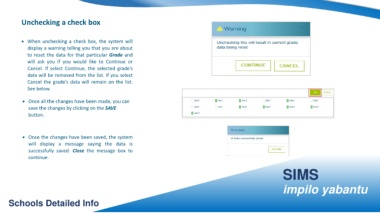
                    • When unchecking a check box, the system will


                          display a warning telling you that you are about


                          to reset the data for that particular Grade and

                          will ask you if you would like to Continue or


                          Cancel. If select Continue, the selected grade’s


                          data will be removed from the list. If you select


                          Cancel the grade’s data will remain on the list.


                          See below.


                     • Once all the changes have been made, you can


                          save the changes by clicking on the SAVE

                          button.


                     • Once the changes have been saved, the system


                          will display a message saying the data is


                          successfully saved. Close the message box to

                          continue.


                                                                                                                                                                                                                                                               SIMS


                                                                                                                                                                                                                                                               impilo yabantu


         Schools Detailed Info

