


Page 35 - Impilo Yabantu User Manual
P. 35
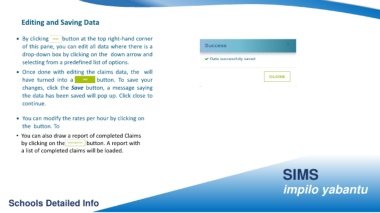
Editing and Saving Data


                • By clicking the button at the top right-hand corner


                     of this pane, you can edit all data where there is a


                     drop-down box by clicking on the down arrow and


                     selecting from a predefined list of options.


                • Once done with editing the claims data, the will


                     have turned into a                                                 button. To save your


                     changes, click the Save button, a message saying


                     the data has been saved will pop up. Click close to


                     continue.


                • You can modify the rates per hour by clicking on


                     the button. To


                • You can also draw a report of completed Claims


                    by clicking on the                                         button. A report with


                    a list of completed claims will be loaded.


                                                                                                                                                                                                                                                               SIMS


                                                                                                                                                                                                                                                               impilo yabantu


         Schools Detailed Info

