


Page 84 - 18-868 SEO PowerSuite Workflow_VPMGC
P. 84
SEO Workflow


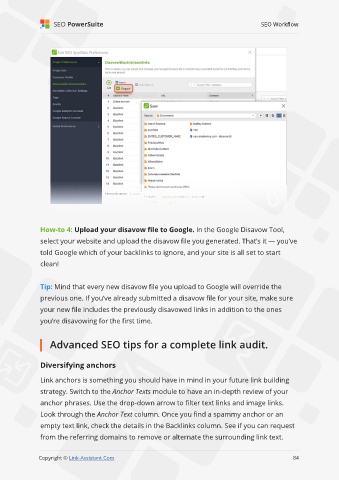
               How-to 4: Upload your disavow file to Google. In the Google Disavow Tool,

               select your website and upload the disavow file you generated. That’s it — you’ve
               told Google which of your backlinks to ignore, and your site is all set to start

               clean!


               Tip: Mind that every new disavow file you upload to Google will override the
               previous one. If you’ve already submitted a disavow file for your site, make sure

               your new file includes the previously disavowed links in addition to the ones
               you’re disavowing for the first time.


                   Advanced SEO tips for a complete link audit.


               Diversifying anchors

               Link anchors is something you should have in mind in your future link building

               strategy. Switch to the Anchor Texts module to have an in-depth review of your
               anchor phrases. Use the drop-down arrow to filter text links and image links.

               Look through the Anchor Text column. Once you find a spammy anchor or an
               empty text link, check the details in the Backlinks column. See if you can request

               from the referring domains to remove or alternate the surrounding link text.
                                                                                                             84

               Copyright © Link-Assistant.Com                                                           84

