


Page 81 - 18-868 SEO PowerSuite Workflow_VPMGC
P. 81
SEO Workflow


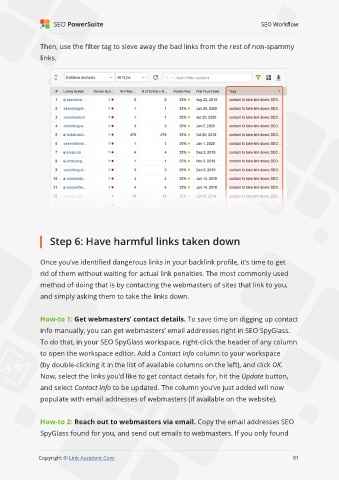
               Then, use the filter tag to sieve away the bad links from the rest of non-spammy

               links.


                   Step 6: Have harmful links taken down


               Once you’ve identified dangerous links in your backlink profile, it’s time to get

               rid of them without waiting for actual link penalties. The most commonly used
               method of doing that is by contacting the webmasters of sites that link to you,

               and simply asking them to take the links down.


               How-to 1: Get webmasters’ contact details. To save time on digging up contact
               info manually, you can get webmasters’ email addresses right in SEO SpyGlass.

               To do that, in your SEO SpyGlass workspace, right-click the header of any column
               to open the workspace editor. Add a Contact Info column to your workspace

               (by double-clicking it in the list of available columns on the left), and click OK.
               Now, select the links you’d like to get contact details for, hit the Update button,

               and select Contact Info to be updated. The column you’ve just added will now
               populate with email addresses of webmasters (if available on the website).


               How-to 2: Reach out to webmasters via email. Copy the email addresses SEO

               SpyGlass found for you, and send out emails to webmasters. If you only found

                                                                                                             81

               Copyright © Link-Assistant.Com                                                           81

