


Page 53 - Computing Book 7
P. 53
All About Cloud                                                                      Class 7


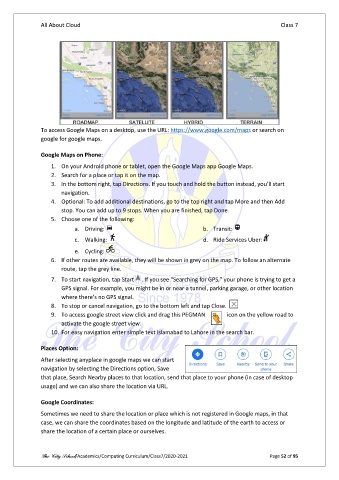
               To access Google Maps on a desktop, use the URL: https://www.google.com/maps or search on
               google for google maps.

               Google Maps on Phone:

                   1.  On your Android phone or tablet, open the Google Maps app Google Maps.
                   2.  Search for a place or tap it on the map.
                   3.  In the bottom right, tap Directions. If you touch and hold the button instead, you’ll start
                       navigation.
                   4.  Optional: To add additional destinations, go to the top right and tap More and then Add
                       stop. You can add up to 9 stops. When you are finished, tap Done.
                   5.  Choose one of the following:
                           a.  Driving:                                 b.  Transit:
                           c.  Walking:                                 d.  Ride Services Uber:
                           e.  Cycling:
                   6.  If other routes are available, they will be shown in grey on the map. To follow an alternate
                       route, tap the grey line.

                   7.  To start navigation, tap Start  . If you see “Searching for GPS,” your phone is trying to get a
                       GPS signal. For example, you might be in or near a tunnel, parking garage, or other location
                       where there’s no GPS signal.
                   8.  To stop or cancel navigation, go to the bottom left and tap Close.
                   9.  To access google street view click and drag this PEGMAN   icon on the yellow road to
                       activate the google street view.
                   10. For easy navigation enter simple text Islamabad to Lahore in the search bar.

               Places Option:
               After selecting anyplace in google maps we can start
               navigation by selecting the Directions option, Save
               that place, Search Nearby places to that location, send that place to your phone (in case of desktop
               usage) and we can also share the location via URL.

               Google Coordinates:
               Sometimes we need to share the location or place which is not registered in Google maps, in that
               case, we can share the coordinates based on the longitude and latitude of the earth to access or
               share the location of a certain place or ourselves.


               The City School/Academics/Computing Curriculum/Class7/2020-2021                  Page 52 of 95

