


Page 4 - 2021 Team Member Benefit Guide - English
P. 4
What’s New for 2021
Medical
• Medical plan premiums for both the Standard PPO Plan and the Consumer HDHP
Plan will increase slightly.
• The Deductible and the Out of Pocket Limits have changed in the Consumer HDHP,
please see page 17 for details.
Dental
Dental premiums are decreasing in 2021. See page 34 for more information.
401(k)
New in 2021! An after-tax Roth contribution feature will be added to the 401(k) plan.
Detailed information to be provided near year end 2020. See page 44.
Preparing To Enroll
Log in to Dayforce to confirm your password is current. Login instructions for first-time
users are shown below.
View the benefits video(s) Share this information with your spouse (if
applicable).You can find them by clicking here or by scanning the QR code.
Review each benefit option to determine which coverage is best for you and
your family.
Decide which eligible dependent(s) you will be covering and have their
birthdate(s) and Social Security Number(s) available when you are enrolling.
Once you have all your information ready, log in to Dayforce and click on the Benefits icon.
You’ll see a notice that you have an Enrollment available. Click on it and follow the prompts
through enrollment.
Use this guide for reference, and contact the Benefits Team at benefits@bldr.com or 1-844-
216-9320 if you have any questions.
To log in to Dayforce:
1. Go to www.dayforcehcm.com
2. The company code is BUILDERS
3. Your username is your six digit employee
number
4. If it is your first time to log in, the default
password is your birth year + your six digit ID.
(Example: if your birth year is 1984 and your
user number is 123456, your default password
would be 1984123456)
If you don’t remember your Dayforce Password,
contact DayforcePWReset@bldr.com, and include
your ID number and a phone number they can call
to contact you.
Your password will be reset. If you do not have a
company email address, your manager can submit
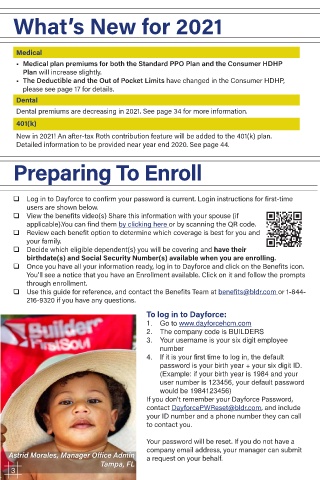
Astrid Morales, Manager Office Admin a request on your behalf.
3
3 Tampa, FL

