


Page 12 - TCS ICT Book 4
P. 12
The City School  2021-2022


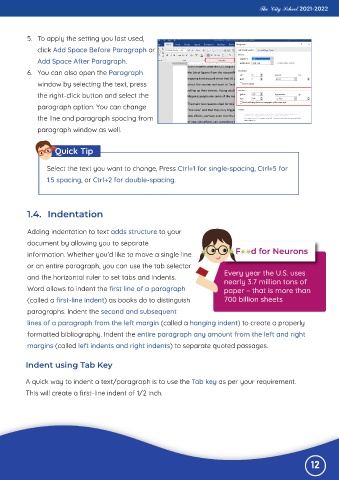
           5.  To apply the setting you last used,

              click Add Space Before Paragraph or
              Add Space After Paragraph.

           6.  You can also open the Paragraph
              window by selecting the text, press

              the right-click button and select the
              paragraph option. You can change

              the line and paragraph spacing from
              paragraph window as well.


                    Quick Tip


                  Select the text you want to change, Press Ctrl+1 for single-spacing, Ctrl+5 for
                  1.5 spacing, or Ctrl+2 for double-spacing.


           1.4.  Indentation


           Adding indentation to text adds structure to your
           document by allowing you to separate

           information. Whether you’d like to move a single line
           or an entire paragraph, you can use the tab selector

           and the horizontal ruler to set tabs and indents.                    Every year the U.S. uses
                                                                                nearly 3.7 million tons of
           Word allows to indent the first line of a paragraph                  paper – that is more than

           (called a first-line indent) as books do to distinguish              700 billion sheets
           paragraphs. Indent the second and subsequent

           lines of a paragraph from the left margin (called a hanging indent) to create a properly
           formatted bibliography. Indent the entire paragraph any amount from the left and right

           margins (called left indents and right indents) to separate quoted passages.


          Indent using Tab Key

          A quick way to indent a text/paragraph is to use the Tab key as per your requirement.

          This will create a first-line indent of 1/2 inch.


                                                                                                              12

