


Page 73 - TCS ICT Book 4
P. 73
The City School  2021-2022


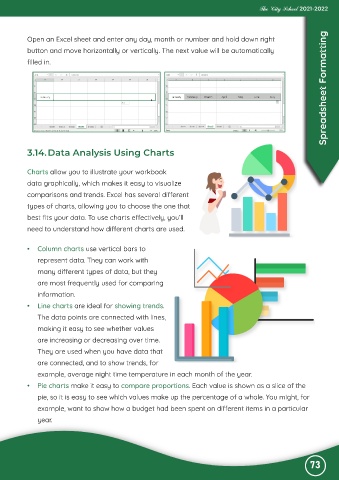
           Open an Excel sheet and enter any day, month or number and hold down right

           button and move horizontally or vertically. The next value will be automatically
           filled in.                                                                                               Spreadsheet Formatting


           3.14. Data Analysis Using Charts


           Charts allow you to illustrate your workbook

           data graphically, which makes it easy to visualize

           comparisons and trends. Excel has several different
           types of charts, allowing you to choose the one that
           best fits your data. To use charts effectively, you’ll

           need to understand how different charts are used.


           •  Column charts use vertical bars to

              represent data. They can work with
              many different types of data, but they

              are most frequently used for comparing
              information.

           •  Line charts are ideal for showing trends.
              The data points are connected with lines,

              making it easy to see whether values
              are increasing or decreasing over time.

              They are used when you have data that
              are connected, and to show trends, for

              example, average night time temperature in each month of the year.
           •  Pie charts make it easy to compare proportions. Each value is shown as a slice of the

              pie, so it is easy to see which values make up the percentage of a whole. You might, for
              example, want to show how a budget had been spent on different items in a particular

              year.


                                                                                                              73

