


Page 68 - TCS ICT Book 4
P. 68
The City School  2021-2022


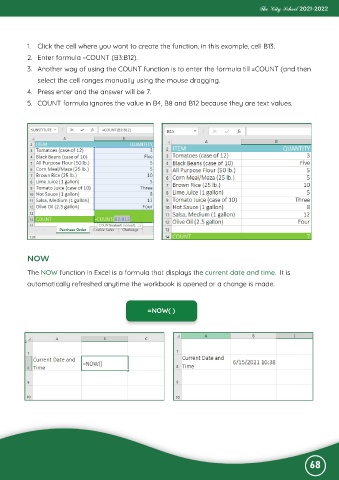
           1.  Click the cell where you want to create the function, in this example, cell B13.

           2.  Enter formula =COUNT (B3:B12).
           3.  Another way of using the COUNT function is to enter the formula till =COUNT (and then
              select the cell ranges manually using the mouse dragging.

           4.  Press enter and the answer will be 7.

           5.  COUNT formula ignores the value in B4, B8 and B12 because they are text values.


           NOW

           The NOW function in Excel is a formula that displays the current date and time.  It is

           automatically refreshed anytime the workbook is opened or a change is made.


                                                     =NOW( )


                                                                                                              68

