


Page 20 - TCS ICT Book 7
P. 20
The City School  2021-2022


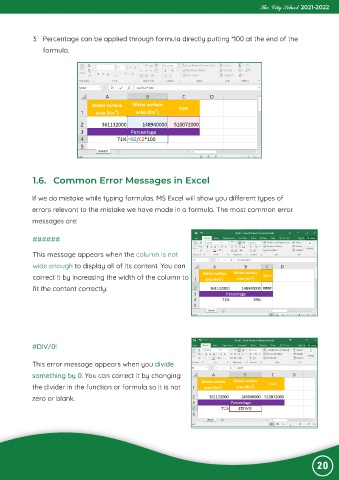
             3.  Percentage can be applied through formula directly putting *100 at the end of the

                formula.


             1.6.  Common Error Messages in Excel


            If we do mistake while typing formulas. MS Excel will show you different types of

            errors relevant to the mistake we have made in a formula. The most common error
            messages are:


             ######


             This message appears when the column is not
             wide enough to display all of its content. You can

             correct it by increasing the width of the column to
             fit the content correctly.


            #DIV/0!


            This error message appears when you divide
            something by 0. You can correct it by changing

            the divider in the function or formula so it is not
            zero or blank.


                                                                                                                20

