


Page 24 - TCS ICT Book 7
P. 24
The City School  2021-2022


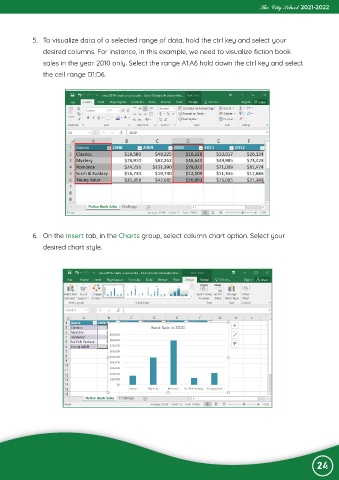
             5.  To visualize data of a selected range of data, hold the ctrl key and select your
                desired columns. For instance, in this example, we need to visualize fiction book

                sales in the year 2010 only. Select the range A1:A6 hold down the ctrl key and select
                the cell range D1:D6.


             6.  On the Insert tab, in the Charts group, select column chart option. Select your

                desired chart style.


                                                                                                                24

