


Page 36 - TCS ICT Book 7
P. 36
The City School  2021-2022


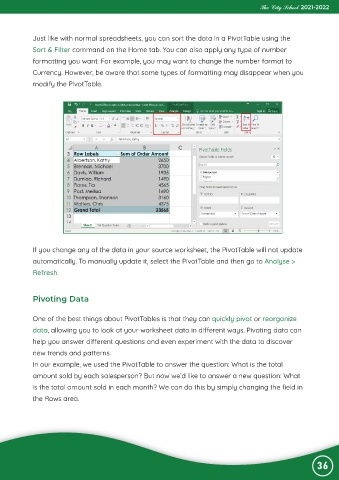
             Just like with normal spreadsheets, you can sort the data in a PivotTable using the

             Sort & Filter command on the Home tab. You can also apply any type of number
             formatting you want. For example, you may want to change the number format to

             Currency. However, be aware that some types of formatting may disappear when you
             modify the PivotTable.


             If you change any of the data in your source worksheet, the PivotTable will not update
             automatically. To manually update it, select the PivotTable and then go to Analyse >

             Refresh.


             Pivoting Data


             One of the best things about PivotTables is that they can quickly pivot or reorganize
             data, allowing you to look at your worksheet data in different ways. Pivoting data can

             help you answer different questions and even experiment with the data to discover
             new trends and patterns.

             In our example, we used the PivotTable to answer the question: What is the total
             amount sold by each salesperson? But now we’d like to answer a new question: What

             is the total amount sold in each month? We can do this by simply changing the field in
             the Rows area.


                                                                                                                36

