


Page 29 - Scratch Programming Playground
P. 29
running Scratch


            to start using Scratch, open your web browser and go to
            https://scratch.mit.edu/. It doesn’t matter whether you’re run-
            ning Windows, OS X, or Linux, but you do have to run Scratch
            on a laptop or desktop computer. Scratch doesn’t work on tab-
            lets or smartphones.
            note          The Raspberry Pi computer cannot run
            Scratch 2.0, the version of Scratch covered in this book.


                Signing up for an account is free. You can create Scratch
            programs without an account, but having the Scratch account
            lets you save your programs online. then you can continue
            working on them later from any computer connected to the
            internet.
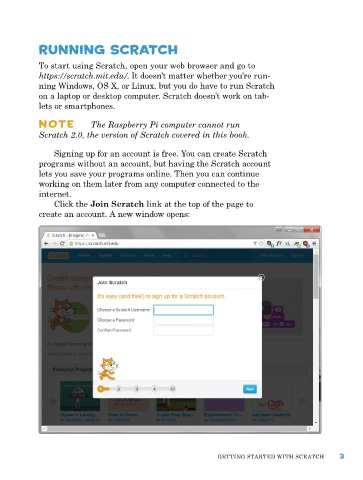
                Click the Join Scratch link at the top of the page to
            create an account. a new window opens:


                                                             GettING Started WIth SCratCh      3

