


Page 77 - Scratch Programming Playground
P. 77
Version 2.0:
            Two-Player Mode


            now that the basic maze game is working, you can do some
            iterative development and add small improvements one at a
            time. Iterative development helps you avoid trying to make a
            game that is too large for you to finish.
                In version 2.0 of Maze Runner, you’ll add a second player.
            the two players will race against one another. the first player
            starts at the bottom and races to the top; the second player
            races from the top to the bottom. Because they both must
            travel the same path, the distance for each is the same.


            Duplicate the Apple Sprite


            the second player needs a goal too. right-click the Apple
            sprite and select duplicate to make a copy of the Apple sprite
            and its code. the new sprite is automatically named Apple2.
            Select the Apple2 sprite, and click the Costumes tab. Select
            a green color from the bottom, and then select the Fill tool to
            the right (it looks like a tipped cup). then click the red part of
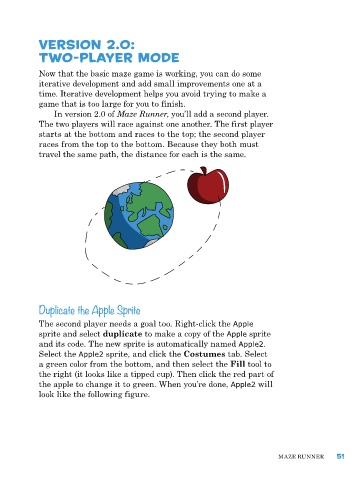
            the apple to change it to green. When you’re done, Apple2 will
            look like the following figure.


                                                                              Maze runner      51

