


Page 218 - Programming With Python 3
P. 218
An Introduction to STEM Programming with Python — 2019-09-03a                              Page 205
            Chapter 20 — Using Tkinter to Make Screens

            not explicitly needed in IDLE development but when your program is running as a standalone app you
            need it to display window
             Free
            https://docs.python.org/3/library/idle.html#developing-tkinter-applications


            master.mainloop()

            master.quit
             eBook
            use the name of this method as a command on a button to quit the application.


            master.destroy()


             Edition
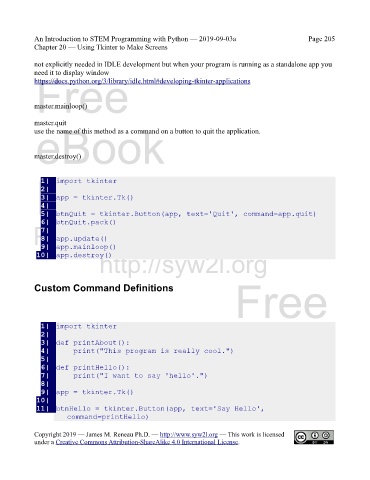
               1|  import tkinter
               2|
               3|  app = tkinter.Tk()
               4|
               5|  btnQuit = tkinter.Button(app, text='Quit', command=app.quit)
               6|  btnQuit.pack()
            Please support this work at
               7|
               8|  app.update()
               9|  app.mainloop()
                                  http://syw2l.org
             10|  app.destroy()


                                                                               Free
            Custom Command Definitions


               1|  import tkinter
                                                                   eBook
               2|
               3|  def printAbout():
               4|      print("This program is really cool.")
               5|
               6|  def printHello():
               7|      print("I want to say 'hello'.")
               8|
               9|  app = tkinter.Tk()
             10|                                                Edition
             11|  btnHello = tkinter.Button(app, text='Say Hello',
                       command=printHello)


            Copyright 2019 — James M. Reneau Ph.D. — http://www.syw2l.org — This work is licensed
            under a Creative Commons Attribution-ShareAlike 4.0 International License.

