


Page 220 - Programming With Python 3
P. 220
An Introduction to STEM Programming with Python — 2019-09-03a                              Page 207
            Chapter 20 — Using Tkinter to Make Screens


             The most common options are:
             Free
             width                       set the width in characters
             bg or background            set background color
             fg or foreground            set the text color
             bd or borderwidth           set the border in pixels

             Some of Entry's methods:
             eBook

             get()                       get the text value
             .delete(first, last)        delete a range of characters [[ .delete(0,
             tkinter.END) clears field ]]
             .insert(index, string)      insert string at given index
             Edition
             https://infohost.nmt.edu/tcc/help/pubs/tkinter/web/label.html


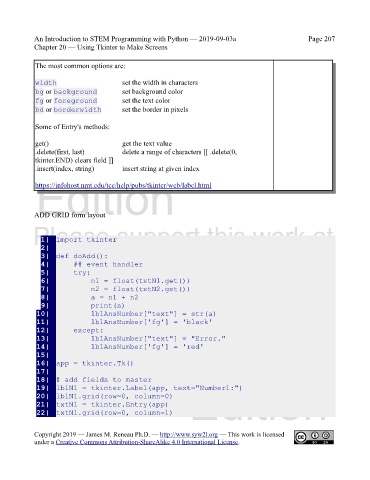
            ADD GRID form layout
            Please support this work at

               1|  import tkinter
               2|
                                  http://syw2l.org
               3|  def doAdd():
               4|      ## event handler
               5|      try:
               6|          n1 = float(txtN1.get())
               7|          n2 = float(txtN2.get())
               8|          a = n1 + n2                                         Free
               9|          print(a)
             10|          lblAnsNumber["text"] = str(a)
             11|          lblAnsNumber['fg'] = 'black'
             12|      except:
                                                                   eBook
             13|          lblAnsNumber["text"] = "Error."
             14|          lblAnsNumber['fg'] = 'red'
             15|
             16|  app = tkinter.Tk()
             17|
             18|  # add fields to master
             19|  lblN1 = tkinter.Label(app, text="Number1:")
             20|  lblN1.grid(row=0, column=0)                   Edition
             21|  txtN1 = tkinter.Entry(app)
             22|  txtN1.grid(row=0, column=1)


            Copyright 2019 — James M. Reneau Ph.D. — http://www.syw2l.org — This work is licensed
            under a Creative Commons Attribution-ShareAlike 4.0 International License.

