


Page 221 - Programming With Python 3
P. 221
An Introduction to STEM Programming with Python — 2019-09-03a                              Page 208
            Chapter 20 — Using Tkinter to Make Screens

             23|
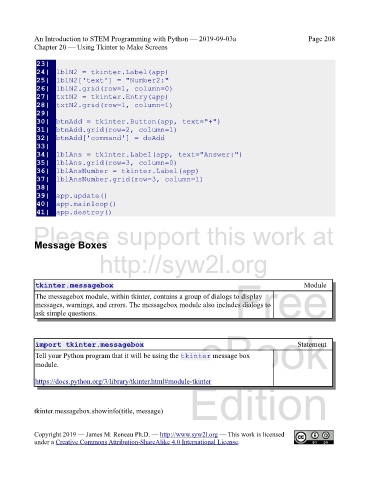
             24|  lblN2 = tkinter.Label(app)
             Free
             25|  lblN2['text'] = "Number2:"
             26|  lblN2.grid(row=1, column=0)
             27|  txtN2 = tkinter.Entry(app)
             28|  txtN2.grid(row=1, column=1)
             29|
             30|  btnAdd = tkinter.Button(app, text="+")
             eBook
             31|  btnAdd.grid(row=2, column=1)
             32|  btnAdd['command'] = doAdd
             33|
             34|  lblAns = tkinter.Label(app, text="Answer:")
             35|  lblAns.grid(row=3, column=0)
             36|  lblAnsNumber = tkinter.Label(app)
             Edition
             37|  lblAnsNumber.grid(row=3, column=1)
             38|
             39|  app.update()
             40|  app.mainloop()
             41|  app.destroy()

            Please support this work at

            Message Boxes

                                  http://syw2l.org


                                                                               Free
             tkinter.messagebox                                                                       Module
             The messagebox module, within tkinter, contains a group of dialogs to display
             messages, warnings, and errors. The messagebox module also includes dialogs to
             ask simple questions.


                                                                                                   Statement
             import tkinter.messagebox                             eBook
             Tell your Python program that it will be using the tkinter message box
             module.


             https://docs.python.org/3/library/tkinter.html#module-tkinter
                                                                Edition


            tkinter.messagebox.showinfo(title, message)


            Copyright 2019 — James M. Reneau Ph.D. — http://www.syw2l.org — This work is licensed
            under a Creative Commons Attribution-ShareAlike 4.0 International License.

