


Page 228 - Basic Course
P. 228
KNX BASIC COURSE

                  direct bus access. In the case of hardware-based OPC servers, the data exchange
                  nowadays is ensured via an IP network; in the case of software-based OPC servers, it is
                  generally the same, but they can of course also run directly on the server PC, on which
                  the SCADA software is installed.
                  How can data from a KNX system get into the SCADA software?
                  It is not possible to use the export function of group addresses as outlined in 12.2, as the
                  data types are missing in this case. ETS however offers you an easy way to first export
                  the complete project data in the appropriate OPC format. The export contains related to
                  group addresses:

                      Name of the main group
                      Name of the middle group
                      Group address (2 or 3 levels)
                      Name of the subgroup
                      Data type (EIS data type)
                      Priority (this is important for sending telegrams via the OPC server)
                      All other group addresses, which can be influenced directly or indirectly via device
                      objects (e.g. all separate functional addresses in case of central addresses. This
                      ensures that when operating a central command, the correct value will also be
                      assigned to all separate functions).


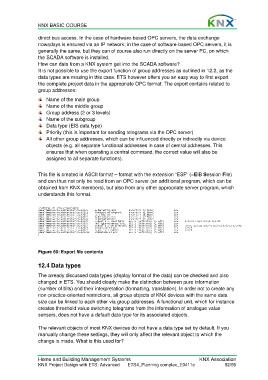
                  This file is created in ASCII format – format with the extension “ESF” (=EIB Session File)
                  and can thus not only be read from an OPC server (an additional program, which can be
                  obtained from KNX members), but also from any other appropriate server program, which
                  understands this format.


                  Figure 60: Export file contents


                  12.4 Data types

                  The already discussed data types (display format of the data) can be checked and also
                  changed in ETS. You should clearly make the distinction between pure information
                  (number of bits) and their interpretation (formatting, translation). In order not to create any
                  non-practice-oriented restrictions, all group objects of KNX devices with the same data
                  size can be linked to each other via group addresses. A functional unit, which for instance
                  creates threshold value switching telegrams from the information of analogue value
                  sensors, does not have a default data type for its associated objects.

                  The relevant objects of most KNX devices do not have a data type set by default. If you
                  manually change these settings, they will only affect the relevant object to which the
                  change is made. What is this used for?


                  Home and Building Management Systems                                    KNX Association
                  KNX Project Design with ETS: Advanced   ETS4_Planning complex_E0411c               52/59

