


Page 42 - Client Coordinator
P. 42
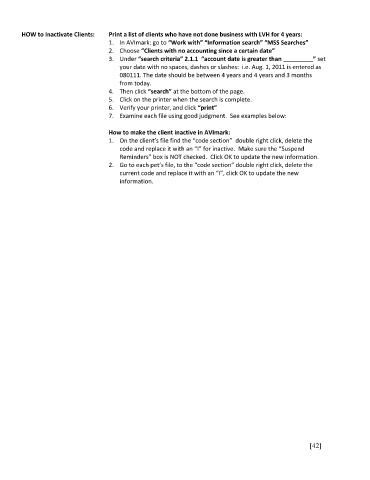
HOW to Inactivate Clients:   Print a list of clients who have not done business with LVH for 4 years:
                                     1.  In AVImark: go to “Work with” “Information search” “MSS Searches”
                                     2.  Choose “Clients with no accounting since a certain date”
                                     3.  Under “search criteria” 2.1.1  “account date is greater than _________” set
                                         your date with no spaces, dashes or slashes:  i.e. Aug. 1, 2011 is entered as
                                         080111. The date should be between 4 years and 4 years and 3 months
                                         from today.
                                     4.  Then click “search” at the bottom of the page.
                                     5.  Click on the printer when the search is complete.
                                     6.  Verify your printer, and click “print”
                                     7.  Examine each file using good judgment.  See examples below:


                                     How to make the client inactive in AVImark:
                                     1.  On the client’s file find the “code section”  double right click, delete the
                                         code and replace it with an “I” for inactive.  Make sure the “Suspend
                                         Reminders” box is NOT checked.  Click OK to update the new information.
                                     2.  Go to each pet’s file, to the “code section” double right click, delete the
                                         current code and replace it with an “I”, click OK to update the new
                                         information.


                                                                                                       [42]

