


Page 11 - Receptionist
P. 11
PRINTING FINAL LAB REQUISITIONS
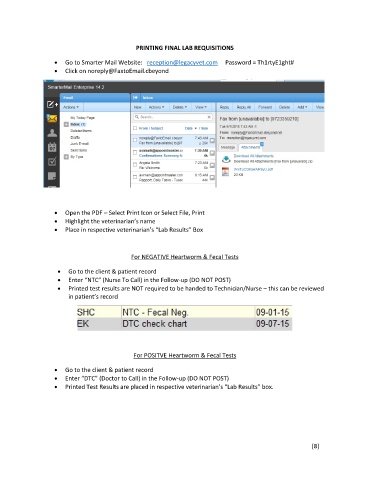
Go to Smarter Mail Website: reception@legacyvet.com Password = Th1rtyE1ght#
Click on noreply@FaxtoEmail.cbeyond
Open the PDF – Select Print Icon or Select File, Print
Highlight the veterinarian’s name
Place in respective veterinarian’s “Lab Results” Box
For NEGATIVE Heartworm & Fecal Tests
Go to the client & patient record
Enter “NTC” (Nurse To Call) in the Follow-up (DO NOT POST)
Printed test results are NOT required to be handed to Technician/Nurse – this can be reviewed
in patient’s record
For POSITVE Heartworm & Fecal Tests
Go to the client & patient record
Enter “DTC” (Doctor to Call) in the Follow-up (DO NOT POST)
Printed Test Results are placed in respective veterinarian’s “Lab Results” box.
[8]

