


Page 8 - Receptionist
P. 8
DOWNLOADING RESULTS
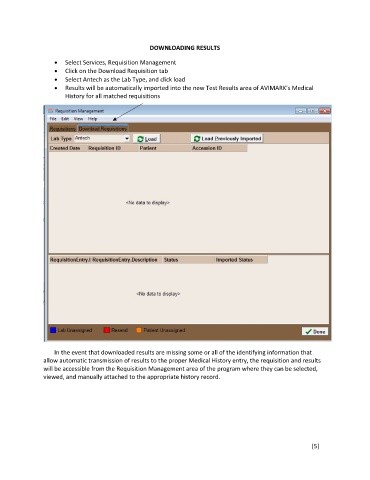
Select Services, Requisition Management
Click on the Download Requisition tab
Select Antech as the Lab Type, and click load
Results will be automatically imported into the new Test Results area of AVIMARK’s Medical
History for all matched requisitions
In the event that downloaded results are missing some or all of the identifying information that
allow automatic transmission of results to the proper Medical History entry, the requisition and results
will be accessible from the Requisition Management area of the program where they can be selected,
viewed, and manually attached to the appropriate history record.
[5]

