


Page 114 - Receptionist
P. 114
19056 – “Hospital-Use” Items
Results Statement: To assure we provide great patient care by using certain items for
operations that are ALSO sold to clients. These items are both:
a. Kept accurate in AVImark for on-hand quantity
b. Use appropriately so it’s cost-effective
Primary Responsible Position: Inventory Manager (but used by nearly all positions)
Examples of Hospital-Use:
Candles to be burned in the reception area
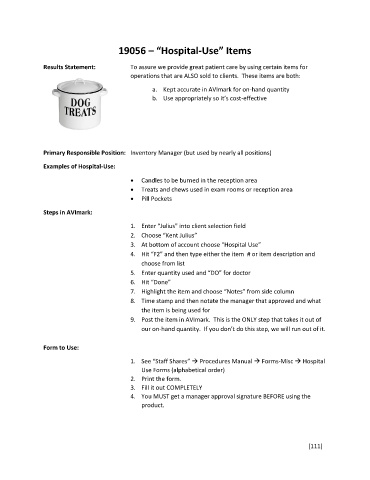
Treats and chews used in exam rooms or reception area
Pill Pockets
Steps in AVImark:
1. Enter “Julius” into client selection field
2. Choose “Kent Julius”
3. At bottom of account choose “Hospital Use”
4. Hit “F2” and then type either the item # or item description and
choose from list
5. Enter quantity used and “DO” for doctor
6. Hit “Done”
7. Highlight the item and choose “Notes” from side column
8. Time stamp and then notate the manager that approved and what
the item is being used for
9. Post the item in AVImark. This is the ONLY step that takes it out of
our on-hand quantity. If you don’t do this step, we will run out of it.
Form to Use:
1. See “Staff Shares” Procedures Manual Forms-Misc Hospital
Use Forms (alphabetical order)
2. Print the form.
3. Fill it out COMPLETELY
4. You MUST get a manager approval signature BEFORE using the
product.
[111]

