


Page 110 - Computing E-Book Grade 6
P. 110
The City School  2021-2022


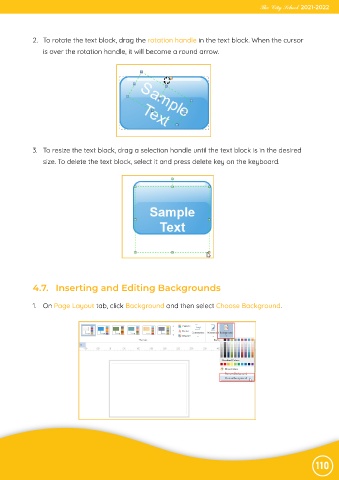
             2.  To rotate the text block, drag the rotation handle in the text block. When the cursor
                is over the rotation handle, it will become a round arrow.


             3.  To resize the text block, drag a selection handle until the text block is in the desired
                size. To delete the text block, select it and press delete key on the keyboard.


             4.7.   Inserting and Editing Backgrounds


             1.  On Page Layout tab, click Background and then select Choose Background.


                                                                                                                110

