


Page 111 - Computing E-Book Grade 6
P. 111
The City School  2021-2022


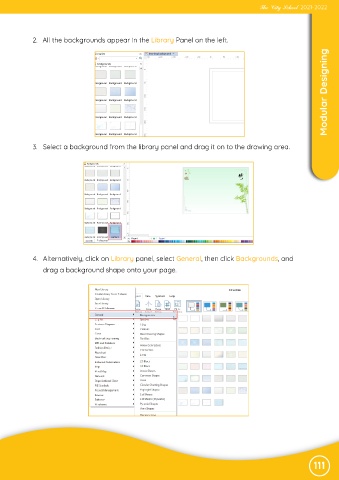
            2.  All the backgrounds appear in the Library Panel on the left.

                                                                                                                    Modular Designing


             3.  Select a background from the library panel and drag it on to the drawing area.


             4.  Alternatively, click on Library panel, select General, then click Backgrounds, and
                drag a background shape onto your page.


                                                                                                               111

