


Page 16 - Computing E-Book Grade 3
P. 16
The City School  2021-2022


           You will get another popup, asking for

           confirmation. Press Yes to empty the Recycle
           Bin or No to leave it as it is. In Windows 8.1

           and Windows 10, when you open the Recycle
           Bin, you can find a button for emptying it on

           the ribbon. Clicking or tapping it will have the
           same effect as described above.


           1.6.  Changing Date and Time


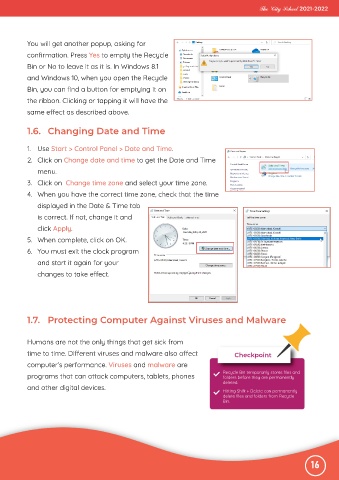
           1.  Use Start > Control Panel > Date and Time.

           2.  Click on Change date and time to get the Date and Time
              menu.

           3.  Click on  Change time zone and select your time zone.
           4.  When you have the correct time zone, check that the time

              displayed in the Date & Time tab
              is correct. If not, change it and

              click Apply.
           5.  When complete, click on OK.

           6.  You must exit the clock program
              and start it again for your

              changes to take effect.


           1.7.  Protecting Computer Against Viruses and Malware


           Humans are not the only things that get sick from
           time to time. Different viruses and malware also affect                 Checkpoint

           computer’s performance. Viruses and malware are
           programs that can attack computers, tablets, phones                 Recycle Bin temporarily stores files and
                                                                               folders before they are permanently
                                                                               deleted.
           and other digital devices.                                          Hitting Shift + Delete can permanently
                                                                               delete files and folders from Recycle
                                                                               Bin.


                                                                                                              16

