


Page 53 - Computing E-Book Grade 3
P. 53
The City School  2021-2022


           3.4.  Forwarding an Email Message                                         Bcc            1


           •  You do not have to copy anyone on your email                  1         {

              message to send it, but MS Outlook gives you the
              option to copy or blind copy additional recipients if
              you want to.                                                                                          e-Mail Communication

           •  Contacts who are copied (Cc) on an email message

              are typically not expected to respond.
           •  They are receiving the message for informational
              purposes only. For example, you may copy your

              friend for a birthday party invitation.

           •  Contacts who are blind-copied (Bcc) on an email                                {
              message are not visible to others who receive the                         Cc
              message.


           Also, you can use the Select Names: Contacts dialogue box to specify the recipients
           that are being blind-copied on the message. Instead of clicking the To or Cc field on the

           dialogue box, use the Bcc field.
           Once you have carefully reviewed your message, you are ready to send it. Click the Send

           button in the upper left of the New Message window. Your message will be sent.


           3.5.  Formatting an e-Mail Message


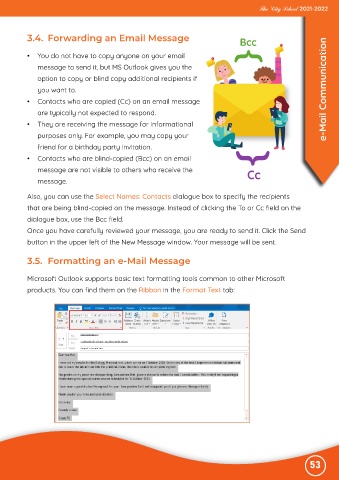
           Microsoft Outlook supports basic text formatting tools common to other Microsoft
           products. You can find them on the Ribbon in the Format Text tab:


                                                                                                              53

