


Page 56 - Computing E-Book Grade 3
P. 56
The City School  2021-2022


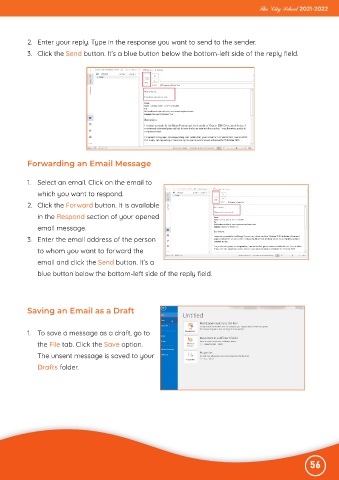
           2.  Enter your reply. Type in the response you want to send to the sender.
           3.  Click the Send button. It’s a blue button below the bottom-left side of the reply field.


           Forwarding an Email Message


           1.  Select an email. Click on the email to
              which you want to respond.

           2.  Click the Forward button. It is available
              in the Respond section of your opened

              email message.
           3.  Enter the email address of the person

              to whom you want to forward the
              email and click the Send button. It’s a

              blue button below the bottom-left side of the reply field.


           Saving an Email as a Draft


           1.  To save a message as a draft, go to
              the File tab. Click the Save option.

              The unsent message is saved to your
              Drafts folder.


                                                                                                              56

