


Page 54 - Computing E-Book Grade 3
P. 54
The City School  2021-2022


           To use one of the formatting tools, highlight the text you want to format with your cursor.
           Then, click the formatting option in the ribbon that you want to apply to the text.


           3.6.  Email Attachments


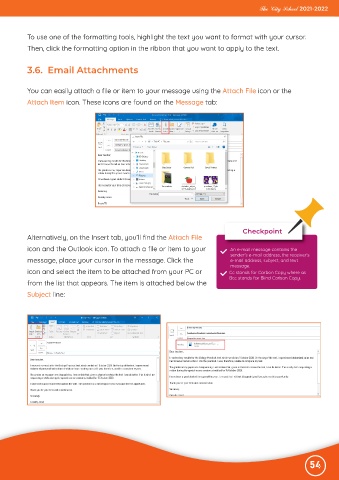
           You can easily attach a file or item to your message using the Attach File icon or the
           Attach Item icon. These icons are found on the Message tab:


                                                                                      Checkpoint
           Alternatively, on the Insert tab, you’ll find the Attach File
           icon and the Outlook icon. To attach a file or item to your            An e-mail message contains the
                                                                                  sender’s e-mail address, the receiver’s
           message, place your cursor in the message. Click the                   e-mail address, subject, and text
                                                                                  message.
           icon and select the item to be attached from your PC or                Cc stands for Carbon Copy where as
                                                                                  Bcc stands for Blind Carbon Copy.
           from the list that appears. The item is attached below the
           Subject line:


                                                                                                              54

