


Page 9 - Computing E-Book Grade 3
P. 9
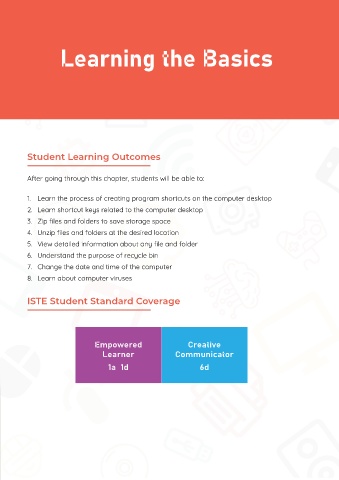
Learning the Basics


 Protecting Your Computer


 from Damage


 Don't eat food while using your computer as oil and crumbs can get

 between the keys and cause damage or attract bugs.  Student Learning Outcomes


           After going through this chapter, students will be able to:

 Try to keep animals away from the computer to avoid their fur or   1.  Learn the process of creating program shortcuts on the computer desktop

 feathers from getting inside and causing problems.
           2.  Learn shortcut keys related to the computer desktop
           3.  Zip files and folders to save storage space

           4.  Unzip files and folders at the desired location
 Leaving a computer visible in the car is an invitation to thieves! A car
 sitting in the sun can also get very hot which can cause the batteries   5.  View detailed information about any file and folder
 inside electronics to explode.  6.  Understand the purpose of recycle bin
           7.  Change the date and time of the computer

           8.  Learn about computer viruses

 Placing heavy objects on a computer can cause warping, and damage
 the keys, screen or the electronic circuitry.  ISTE Student Standard Coverage


                                                                   Creative
 When bringing your laptop indoors on a snowy day, don't turn it on   Empowered   Communicator
                                     Learner
 immediately. Instead, let it warm to room temperature first.
                                       1a  1d                          6d


 A laptop bag greatly reduces the risk of
 damage while transporting or storing

 the laptop.

