


Page 10 - Computing E-Book Grade 3
P. 10
The City School  2021-2022


           1.1.  Creating Shortcut on Desktop


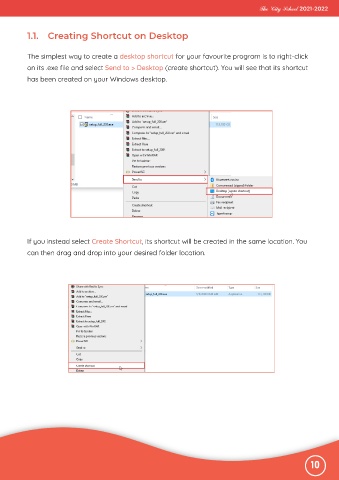
           The simplest way to create a desktop shortcut for your favourite program is to right-click

           on its .exe file and select Send to > Desktop (create shortcut). You will see that its shortcut
           has been created on your Windows desktop.


           If you instead select Create Shortcut, its shortcut will be created in the same location. You
           can then drag and drop into your desired folder location.


                                                                                                              10

