


Page 390 - Windows 10 May 2019 Update The Missing Manual: The Book That Should Have Been in the Box
P. 390
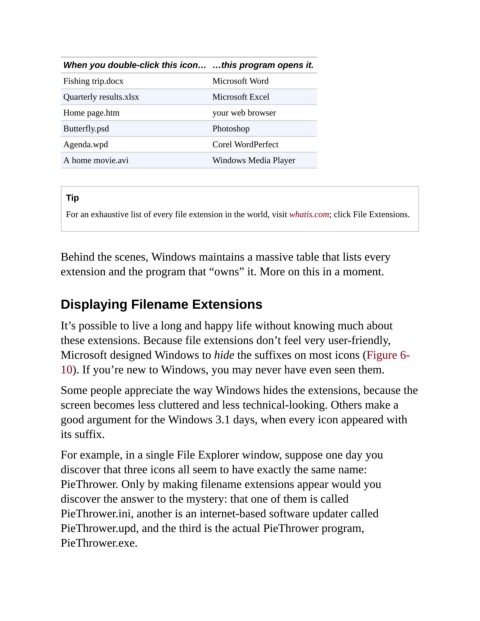
When you double-click this icon… …this program opens it.
                 Fishing trip.docx                     Microsoft Word

                 Quarterly results.xlsx                Microsoft Excel
                 Home page.htm                         your web browser

                 Butterfly.psd                         Photoshop
                 Agenda.wpd                            Corel WordPerfect

                 A home movie.avi                      Windows Media Player


                  Tip
                  For an exhaustive list of every file extension in the world, visit whatis.com; click File Extensions.


                Behind the scenes, Windows maintains a massive table that lists every
                extension and the program that “owns” it. More on this in a moment.


                Displaying Filename Extensions


                It’s possible to live a long and happy life without knowing much about
                these extensions. Because file extensions don’t feel very user-friendly,

                Microsoft designed Windows to hide the suffixes on most icons (Figure 6-
                10). If you’re new to Windows, you may never have even seen them.

                Some people appreciate the way Windows hides the extensions, because the

                screen becomes less cluttered and less technical-looking. Others make a
                good argument for the Windows 3.1 days, when every icon appeared with
                its suffix.


                For example, in a single File Explorer window, suppose one day you
                discover that three icons all seem to have exactly the same name:
                PieThrower. Only by making filename extensions appear would you
                discover the answer to the mystery: that one of them is called

                PieThrower.ini, another is an internet-based software updater called
                PieThrower.upd, and the third is the actual PieThrower program,

                PieThrower.exe.

