


Page 986 - Windows 10 May 2019 Update The Missing Manual: The Book That Should Have Been in the Box
P. 986
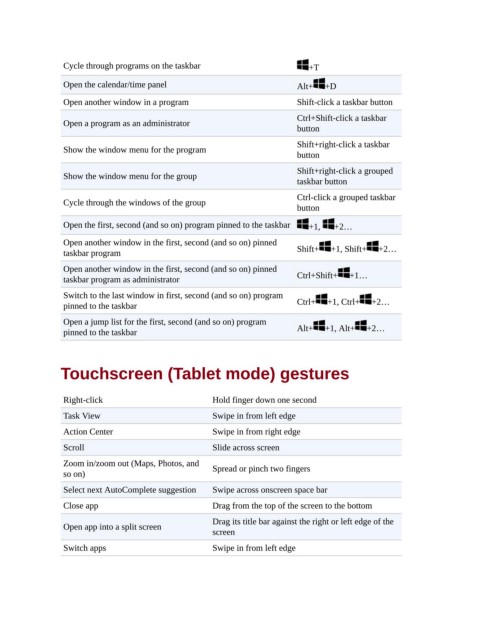
Cycle through programs on the taskbar                          +T

                 Open the calendar/time panel                                Alt+   +D
                 Open another window in a program                            Shift-click a taskbar button

                                                                             Ctrl+Shift-click a taskbar
                 Open a program as an administrator
                                                                             button
                                                                             Shift+right-click a taskbar
                 Show the window menu for the program
                                                                             button
                                                                             Shift+right-click a grouped
                 Show the window menu for the group
                                                                             taskbar button

                                                                             Ctrl-click a grouped taskbar
                 Cycle through the windows of the group
                                                                             button
                 Open the first, second (and so on) program pinned to the taskbar  +1,   +2…

                 Open another window in the first, second (and so on) pinned
                 taskbar program                                             Shift+  +1, Shift+   +2…
                 Open another window in the first, second (and so on) pinned
                 taskbar program as administrator                            Ctrl+Shift+  +1…
                 Switch to the last window in first, second (and so on) program
                 pinned to the taskbar                                       Ctrl+   +1, Ctrl+  +2…
                 Open a jump list for the first, second (and so on) program
                 pinned to the taskbar                                       Alt+   +1, Alt+   +2…


                Touchscreen (Tablet mode) gestures


                 Right-click                           Hold finger down one second

                 Task View                             Swipe in from left edge
                 Action Center                         Swipe in from right edge
                 Scroll                                Slide across screen

                 Zoom in/zoom out (Maps, Photos, and   Spread or pinch two fingers
                 so on)
                 Select next AutoComplete suggestion   Swipe across onscreen space bar

                 Close app                             Drag from the top of the screen to the bottom
                                                       Drag its title bar against the right or left edge of the
                 Open app into a split screen
                                                       screen

                 Switch apps                           Swipe in from left edge

