


Page 49 - 18-868 SEO PowerSuite Workflow_VPMGC
P. 49
SEO Workflow


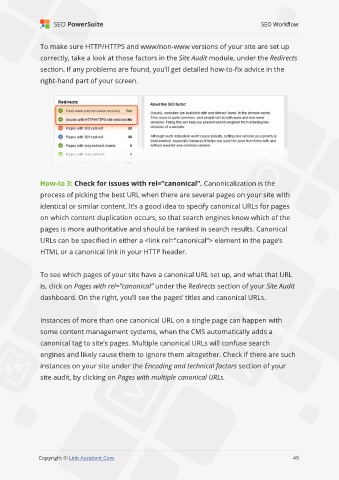
               To make sure HTTP/HTTPS and www/non-www versions of your site are set up

               correctly, take a look at those factors in the Site Audit module, under the Redirects
               section. If any problems are found, you’ll get detailed how-to-fix advice in the

               right-hand part of your screen.


               How-to 3: Check for issues with rel=”canonical”. Canonicalization is the

               process of picking the best URL when there are several pages on your site with
               identical or similar content. It’s a good idea to specify canonical URLs for pages

               on which content duplication occurs, so that search engines know which of the
               pages is more authoritative and should be ranked in search results. Canonical

               URLs can be specified in either a <link rel=”canonical”> element in the page’s
               HTML or a canonical link in your HTTP header.


               To see which pages of your site have a canonical URL set up, and what that URL

               is, click on Pages with rel=”canonical” under the Redirects section of your Site Audit
               dashboard. On the right, you’ll see the pages’ titles and canonical URLs.


               Instances of more than one canonical URL on a single page can happen with

               some content management systems, when the CMS automatically adds a
               canonical tag to site’s pages. Multiple canonical URLs will confuse search

               engines and likely cause them to ignore them altogether. Check if there are such
               instances on your site under the Encoding and technical factors section of your

               site audit, by clicking on Pages with multiple canonical URLs.


                                                                                                             49

               Copyright © Link-Assistant.Com                                                           49

