


Page 6 - 18-868 SEO PowerSuite Workflow_VPMGC
P. 6
SEO Workflow


               tips.


               Make sure you fix errors and deal with warnings accordingly to make your

               website search engine friendly.


                   4. Optimize your landing pages


               Create relevant, keyword-rich content using specific optimization tips.


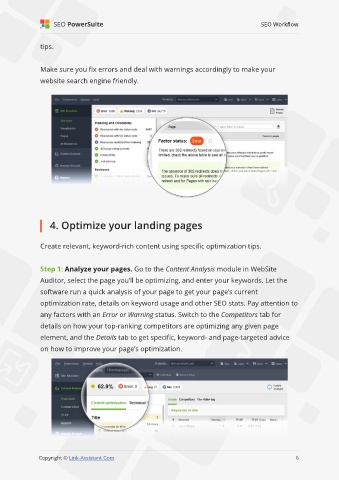
               Step 1: Analyze your pages. Go to the Content Analysis module in WebSite
               Auditor, select the page you’ll be optimizing, and enter your keywords. Let the

               software run a quick analysis of your page to get your page’s current
               optimization rate, details on keyword usage and other SEO stats. Pay attention to

               any factors with an Error or Warning status. Switch to the Competitors tab for
               details on how your top-ranking competitors are optimizing any given page

               element, and the Details tab to get specific, keyword- and page-targeted advice
               on how to improve your page’s optimization.


                                                                                                              6

               Copyright © Link-Assistant.Com                                                            6

